Chapter 11.0
Resources
Every file you need, with its type and size.


Wordmark, Ink on white and Paper on Delta Teal.
| File | Use | Type | Size |
|---|---|---|---|
| wils-wordmark.svg | Wordmark, Ink | SVG | 2 KB |
| wils-wordmark-reversed.svg | Wordmark, Paper, for Ink or colour fields | SVG | 2 KB |
| wils-lockup-ar.svg | Arabic lock-up | SVG | 14 KB |
| favicon.svg | Favicon | SVG | 2 KB |
| favicon-32.png | Favicon, 32 px | PNG | 362 B |
| favicon.ico | Favicon, ICO | ICO | 628 B |
| apple-touch-icon.png | Touch icon, 180 px | PNG | 2 KB |






Aa
Aa
Aa
Aa
Aa
Aa
Aa
Aa
Aa
Aa
Aa
Aa
Aa
The core palette, the five plant groups and the four hardscape groups as set in the tokens.
| File | Use | Type | Size |
|---|---|---|---|
| tokens.css | Custom properties (--wils-*) | CSS | 18 KB |
| tokens.json | The same tokens as JSON | JSON | 23 KB |
| CONTRAST.md | Contrast ratios for every colour pair | MD | 7 KB |
Regular 400: Every landscape plant
Medium 500: Every landscape plant
Bold 700: Every landscape plant
WILS Sans, three weights.
| File | Use | Type | Size |
|---|---|---|---|
| WILSSans-Regular.woff2 | WILS Sans Regular, web | WOFF2 | 156 KB |
| WILSSans-Regular.ttf | WILS Sans Regular, desktop | TTF | 585 KB |
| WILSSans-Medium.woff2 | WILS Sans Medium, web | WOFF2 | 162 KB |
| WILSSans-Medium.ttf | WILS Sans Medium, desktop | TTF | 590 KB |
| WILSSans-Bold.woff2 | WILS Sans Bold, web | WOFF2 | 161 KB |
| WILSSans-Bold.ttf | WILS Sans Bold, desktop | TTF | 594 KB |
| Inter-OFL.txt | Licence text for the open font used | TXT | 4 KB |
| IBM-Plex-OFL.txt | Licence text for the open font used | TXT | 4 KB |
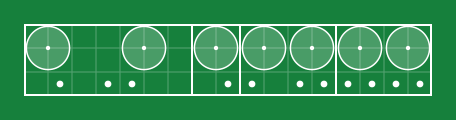
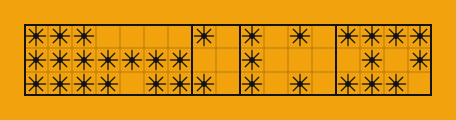



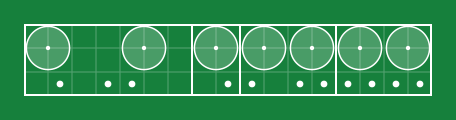
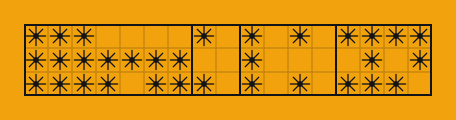
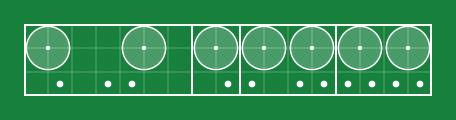
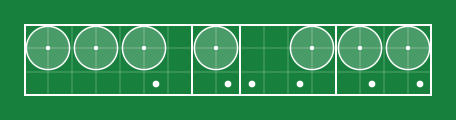
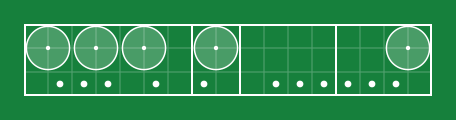
Planting plan samples.
| File | Use | Type | Size |
|---|---|---|---|
| group-trees.svg | Trees group plan | SVG | 3 KB |
| group-palms.svg | Palms group plan | SVG | 10 KB |
| group-shrubs.svg | Shrubs group plan | SVG | 3 KB |
| group-groundcovers.svg | Groundcovers group plan | SVG | 3 KB |
| group-climbers.svg | Climbers group plan | SVG | 3 KB |
| seed-TR-0412.svg | Sample plan, TR-0412 | SVG | 3 KB |
| seed-TR-0077.svg | Sample plan, TR-0077 | SVG | 3 KB |
| seed-TR-0233.svg | Sample plan, TR-0233 | SVG | 3 KB |
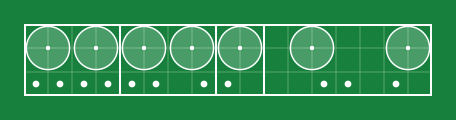
| hero-strip.svg | Wide strip | SVG | 10 KB |
| cover-strip.svg | Cover strip | SVG | 24 KB |
| mobile-TR-0412.svg | Phone size | SVG | 2 KB |
| rtl-TR-0412.svg | Right-to-left version | SVG | 3 KB |
| planting-plan.js | Generator script | JS | 15 KB |
| pattern-trees.svg | Trees pattern tile | SVG | 1 KB |
| pattern-palms.svg | Palms pattern tile | SVG | 1 KB |
| pattern-shrubs.svg | Shrubs pattern tile | SVG | 1 KB |
| pattern-groundcovers.svg | Groundcovers pattern tile | SVG | 1 KB |
| pattern-climbers.svg | Climbers pattern tile | SVG | 1 KB |
| pattern-surfaces.svg | Surfaces pattern tile (proposed) | SVG | 1 KB |
| pattern-edges.svg | Edges & walls pattern tile (proposed) | SVG | 1 KB |
| pattern-water.svg | Water & soil pattern tile (proposed) | SVG | 1 KB |
| pattern-furniture.svg | Furniture & light pattern tile (proposed) | SVG | 1 KB |
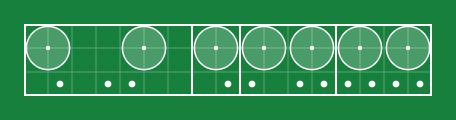








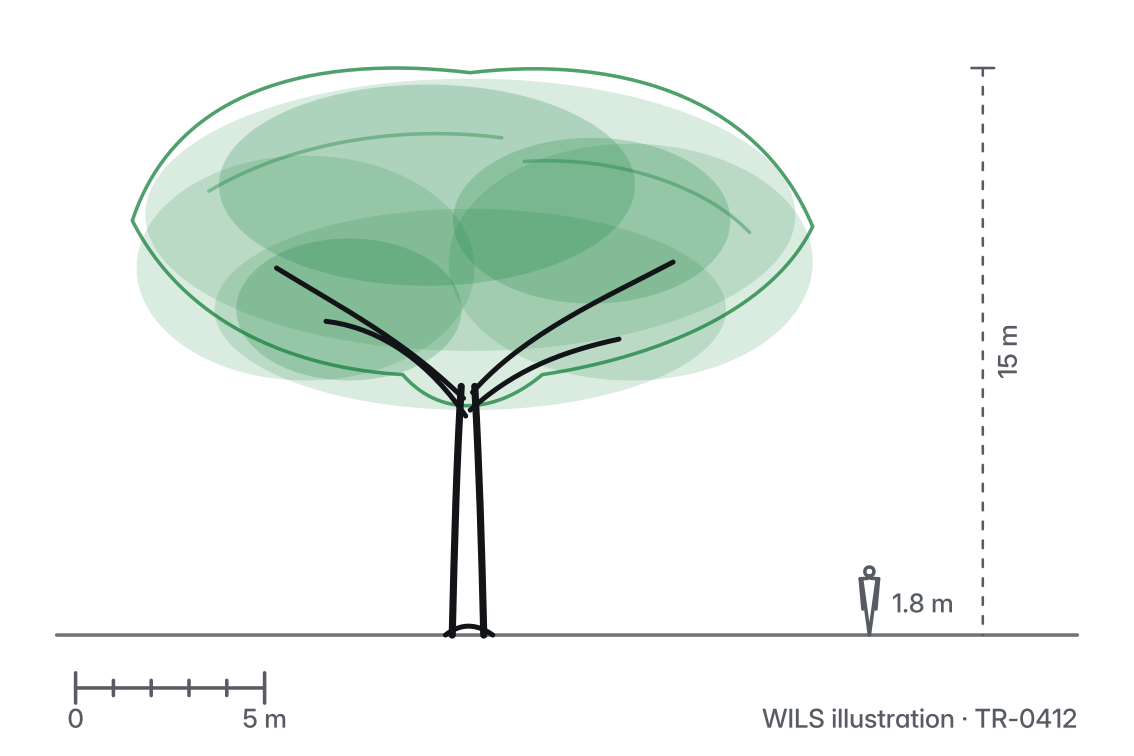
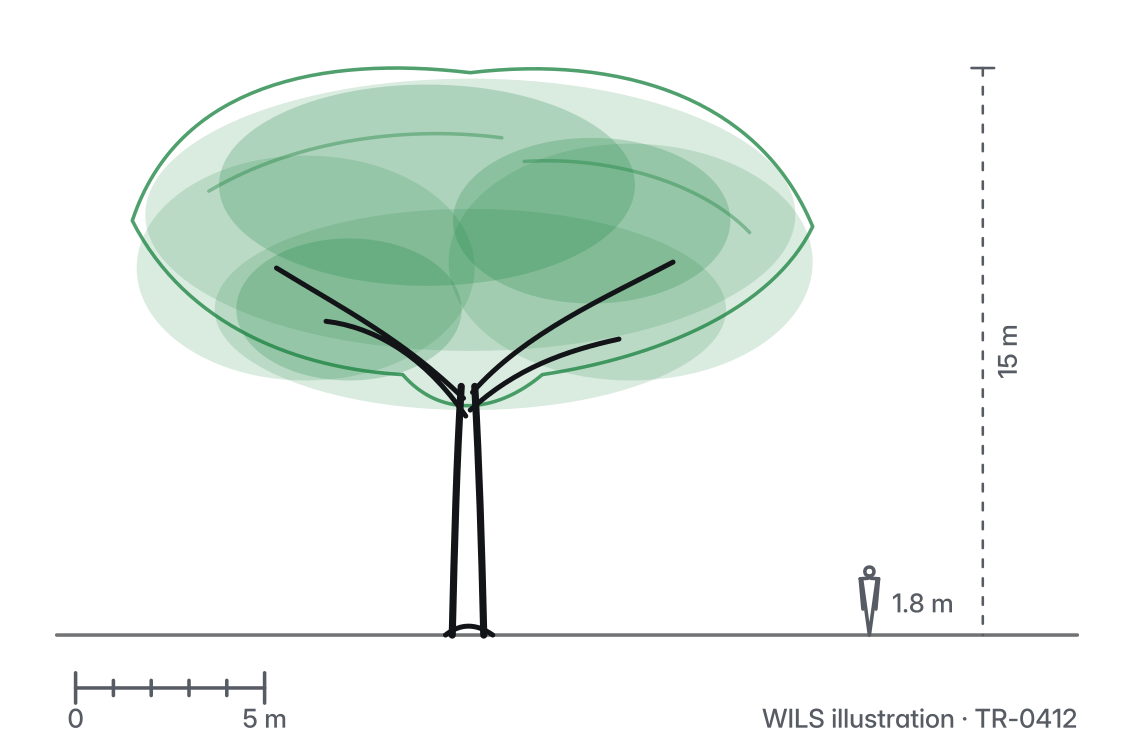
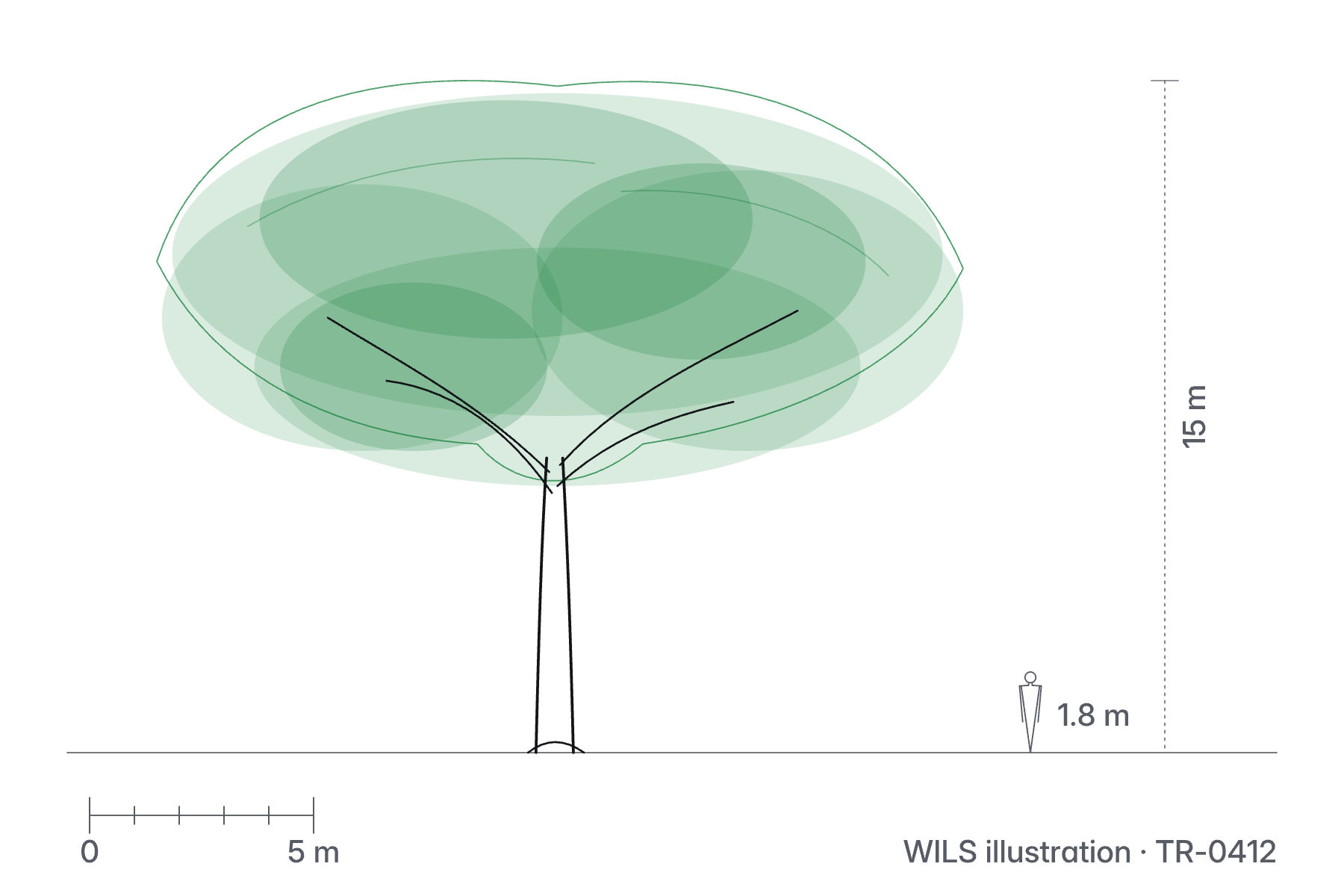
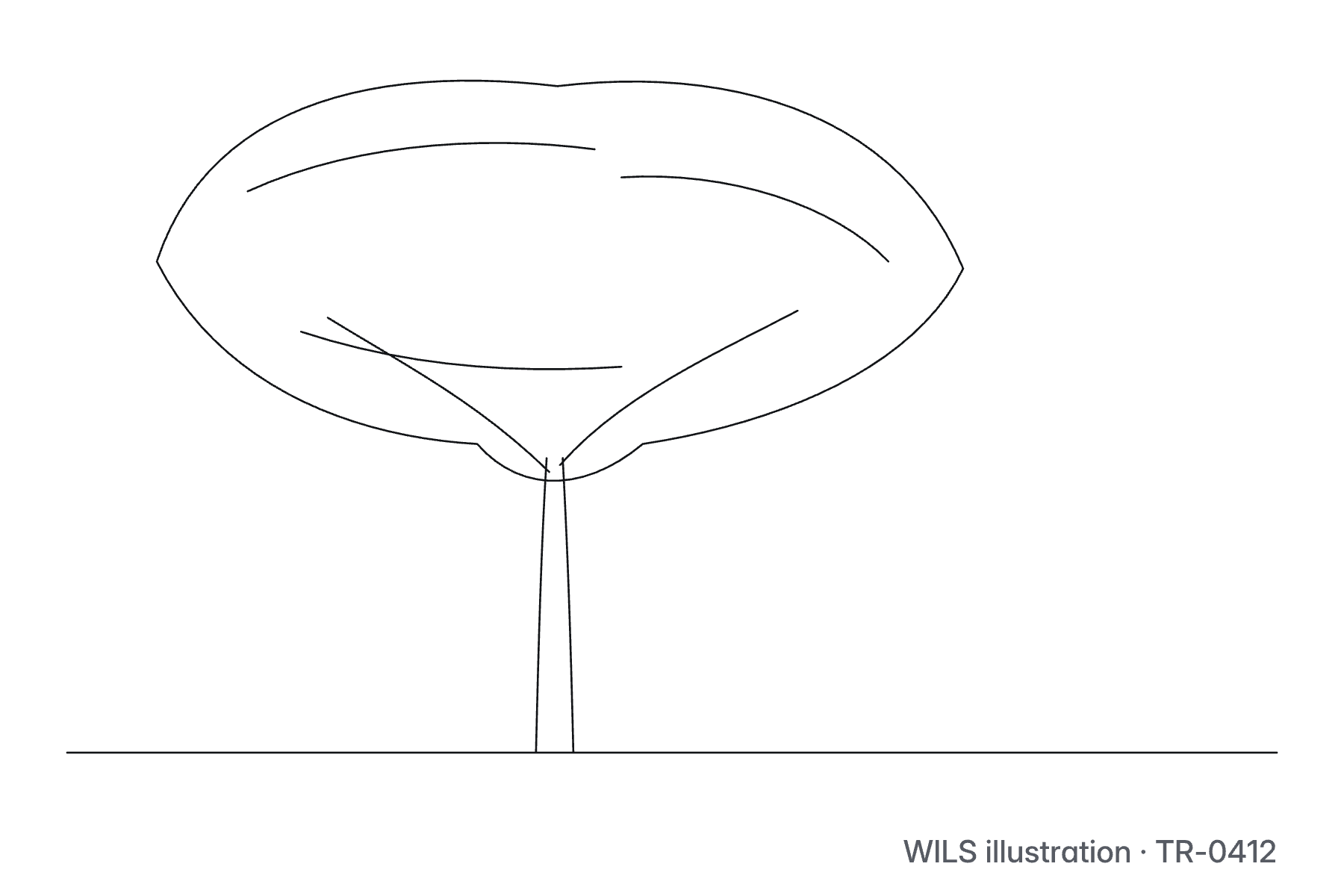
Albizia lebbeck, render.
| File | Use | Type | Size |
|---|---|---|---|
| tr-0412_albizia-lebbeck_render_r01.svg | Render, SVG, white ground | SVG | 18 KB |
| tr-0412_albizia-lebbeck_render-themable_r01.svg | Render, SVG, uses the token variables | SVG | 18 KB |
| tr-0412_albizia-lebbeck_render_1800x1200_r01.png | Render, PNG 1800 × 1200 | PNG | 76 KB |
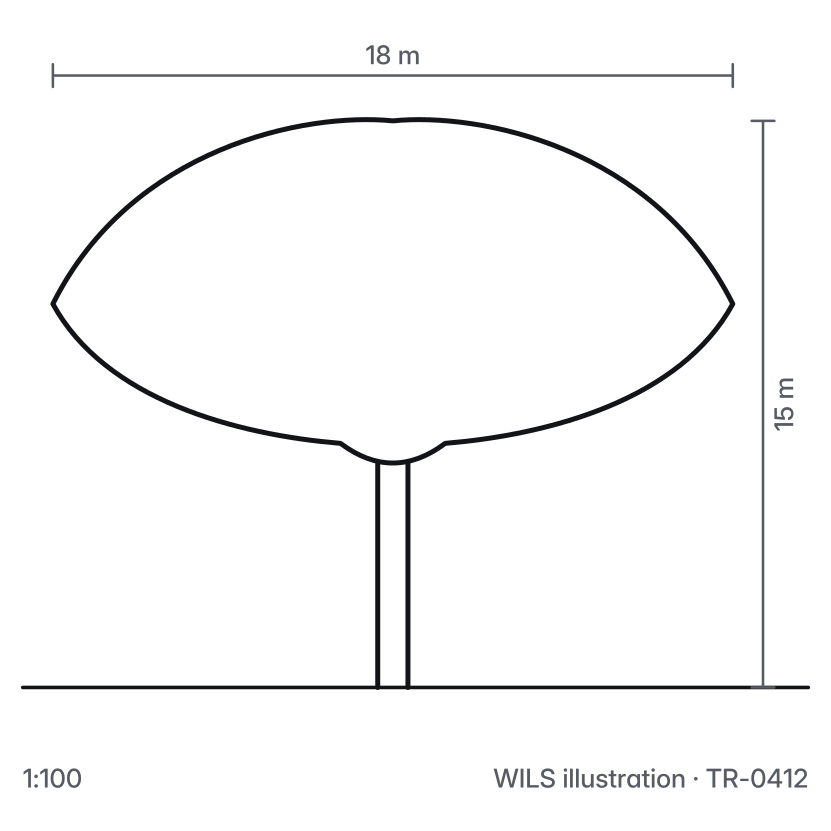
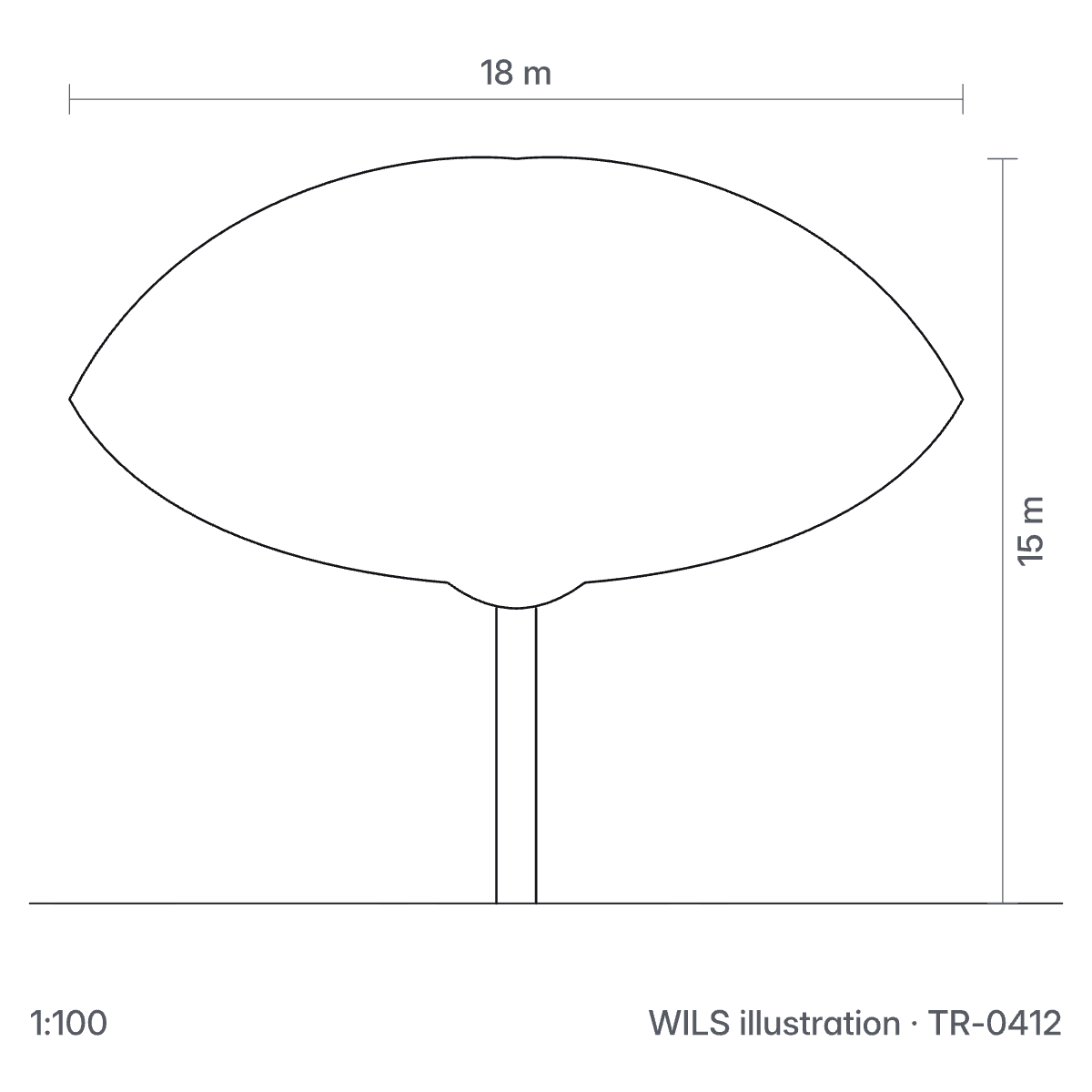
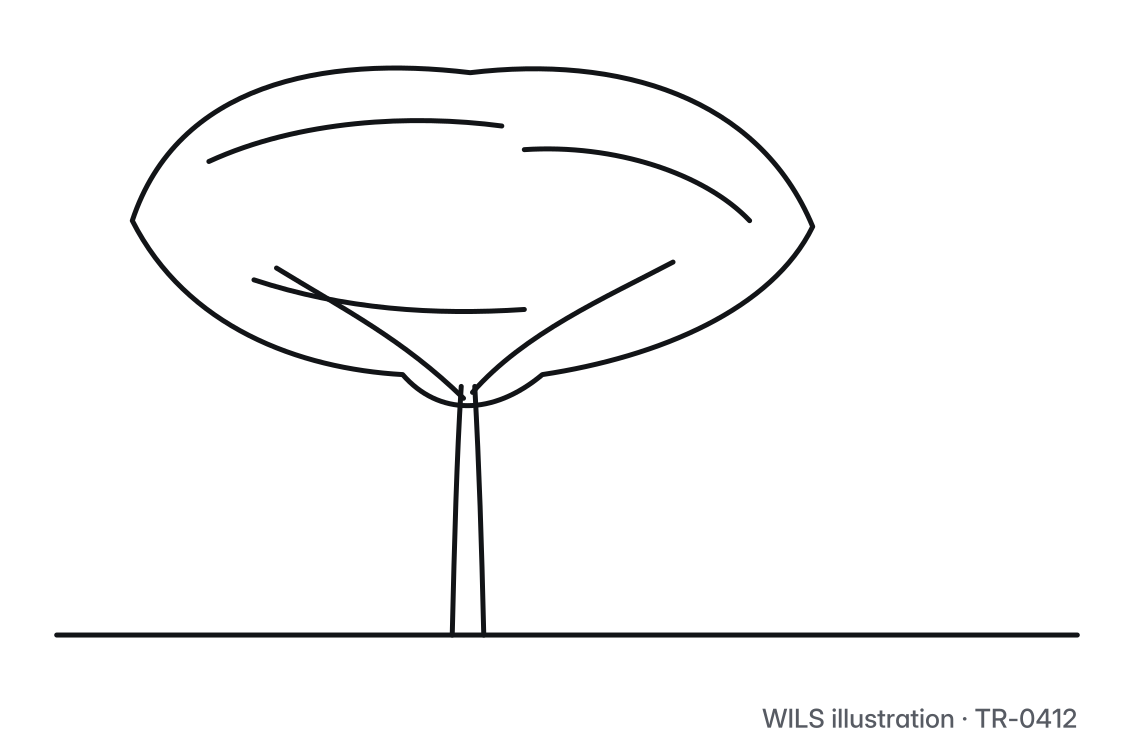
| tr-0412_albizia-lebbeck_elev_r01.svg | Elevation, SVG, white ground | SVG | 15 KB |
| tr-0412_albizia-lebbeck_elev-themable_r01.svg | Elevation, SVG, uses the token variables | SVG | 15 KB |
| tr-0412_albizia-lebbeck_elev_1200x1200_r01.png | Elevation, PNG 1200 × 1200 | PNG | 18 KB |
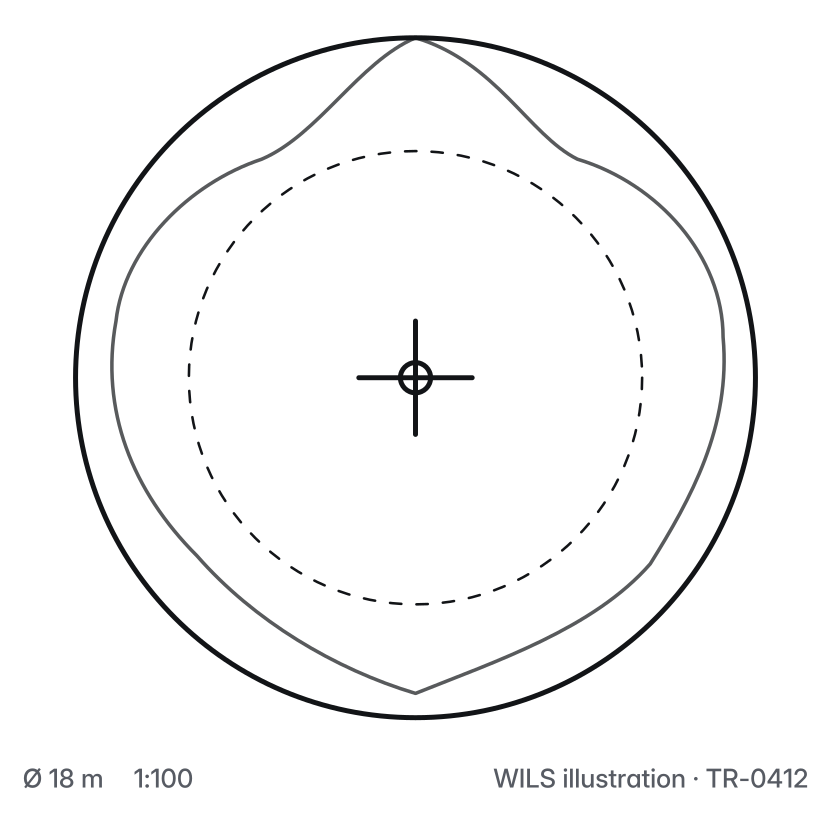
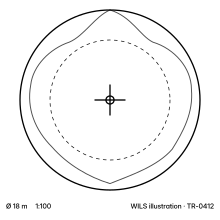
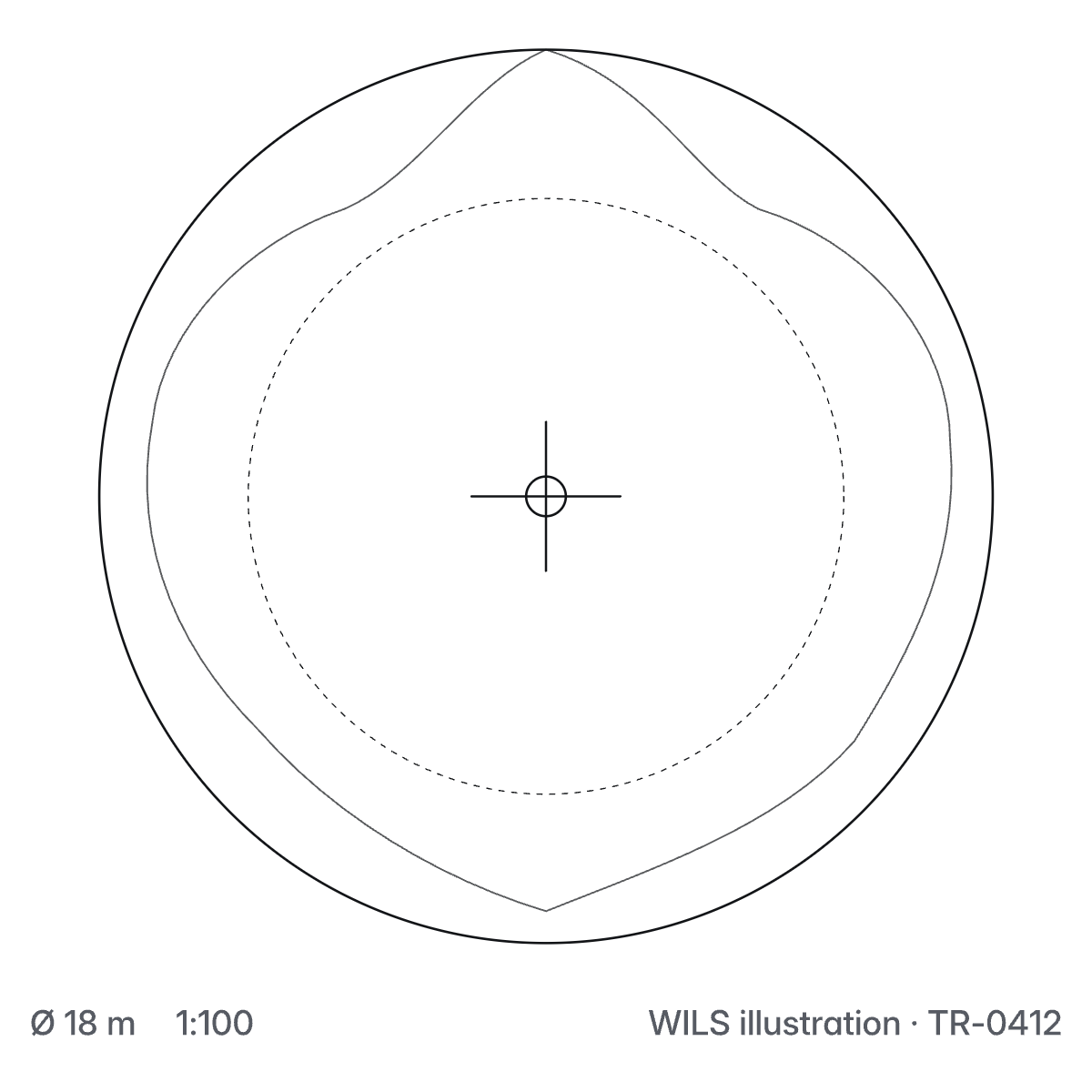
| tr-0412_albizia-lebbeck_plan_r01.svg | Plan, SVG, white ground | SVG | 14 KB |
| tr-0412_albizia-lebbeck_plan-themable_r01.svg | Plan, SVG, uses the token variables | SVG | 15 KB |
| tr-0412_albizia-lebbeck_plan_1200x1200_r01.png | Plan, PNG 1200 × 1200 | PNG | 62 KB |
| tr-0412_albizia-lebbeck_sketch_r01.svg | Sketch, SVG, white ground | SVG | 10 KB |
| tr-0412_albizia-lebbeck_sketch-themable_r01.svg | Sketch, SVG, uses the token variables | SVG | 10 KB |
| tr-0412_albizia-lebbeck_sketch_1800x1200_r01.png | Sketch, PNG 1800 × 1200 | PNG | 24 KB |

w-ils.com/contribute
The Contribute page is the one route for questions. Paper text on a Delta Teal field.