Chapter 8.0

Website & applications

The live site, screen by screen, and the rules for cards and documents.
  1. 8.1Home
  2. 8.2Plant sheet
  3. 8.3Browse
  4. 8.4Countries
  5. 8.5Hardscape
  6. 8.6Contribute
  7. 8.7Small pages
  8. 8.8Share card
  9. 8.9Documents and print

8.1 · Home

One line, one search bar.

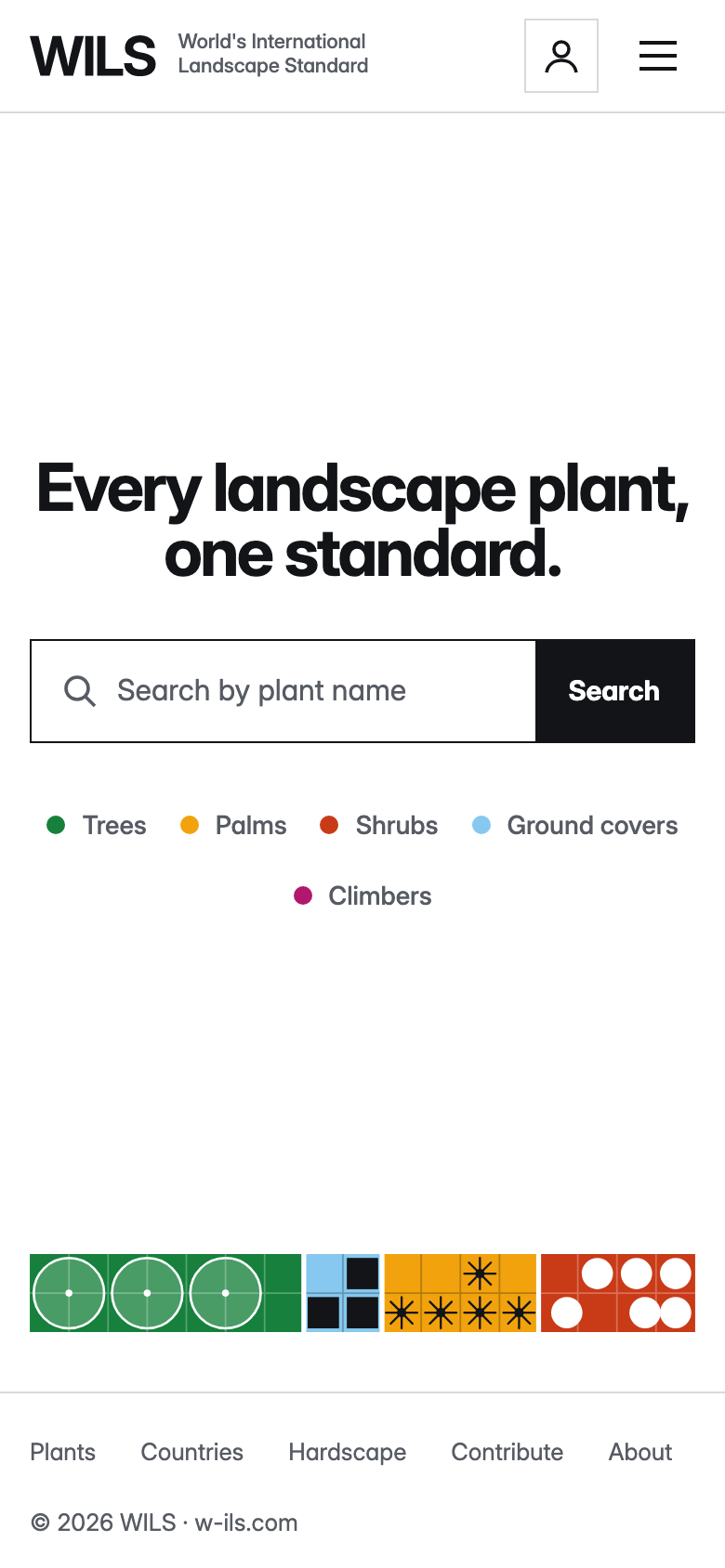
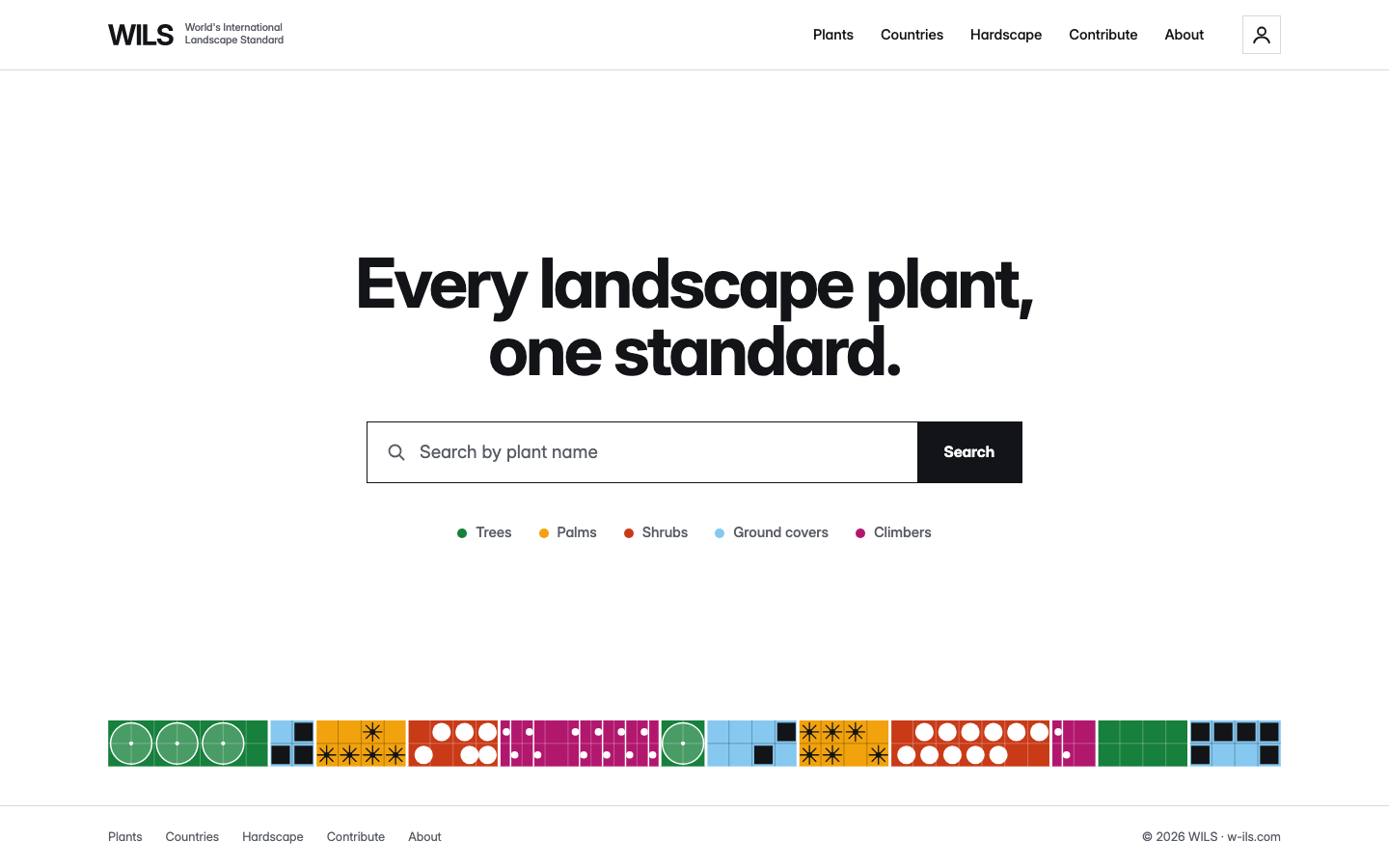
The home page has one line and one search bar, centred on white. Nothing else competes with them. Under the bar sit the five plant groups as text links, each with its group dot. The search button is Ink.

Along the foot of the page runs one planting plan, mixed, three modules by two rows. On load it plants itself, bed by bed, and then stays still (chapter 10.0). It is the only picture on the page.

The header is the full lock-up at the start, five links (Plants, Countries, Hardscape, Contribute, About) and a 40 px account square at the end. The footer repeats the five links.

Rule

Keep the home page empty. No banners, counters, news or image strips. The plan is the only thing that moves.

WILS home page on a desktop. The header shows the lock-up and five links. In the middle is the line Every landscape plant, one standard, a search bar and five plant group links with dots. A strip of coloured planting plans runs along the foot.
WILS home page on a phone. The same line and search bar, stacked and centred, and a single plan at the foot.

Home on desktop (1440 px) and on a phone (390 px).
8.2 · Plant sheet

A product sheet for one plant.

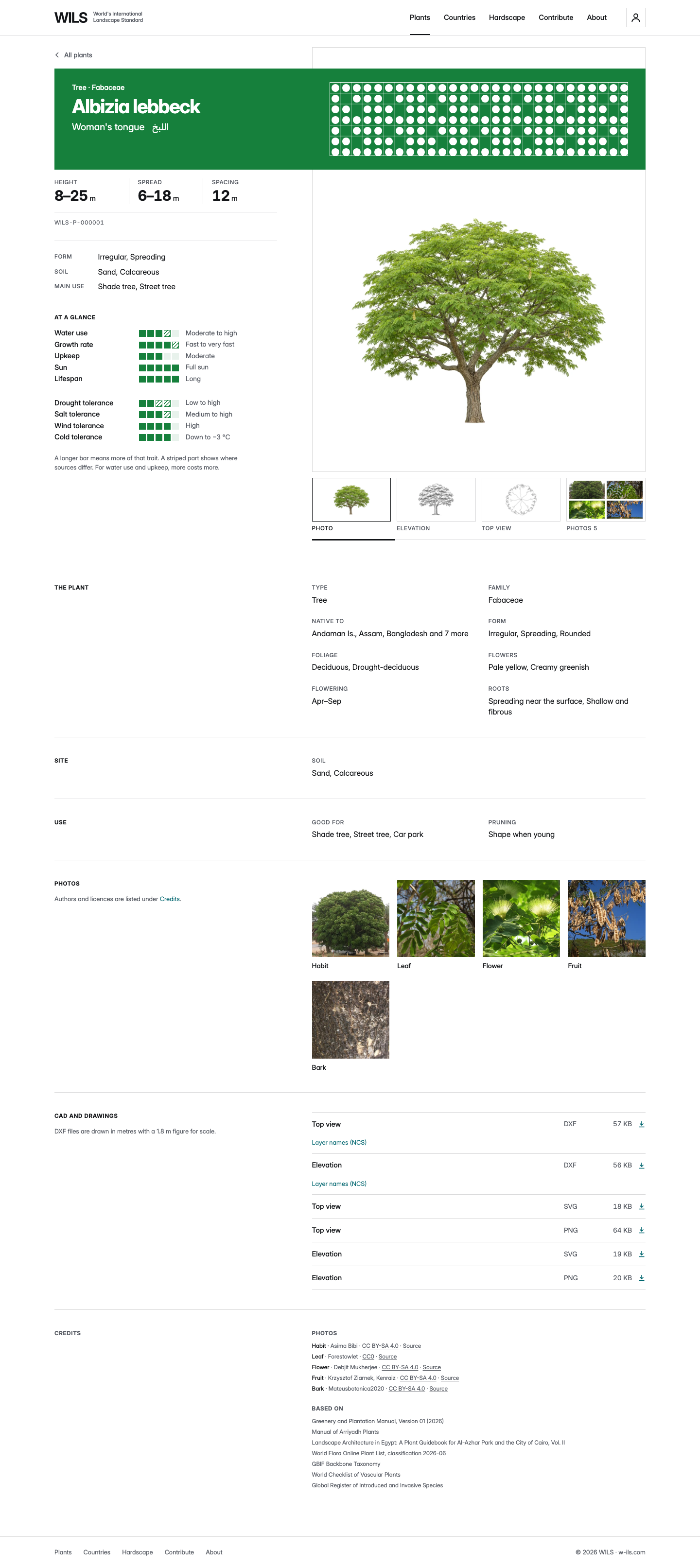
A plant page is a product sheet. One colour field, the name block in the plant’s group colour, opens it. Everything else is Ink on Paper. On a desktop the text column sits at the start and the picture at the end. On a phone they stack in one column, name block first.

Order on the page
StepBlock
1Back link. Name block: type and family, binomial, common and Arabic name, the plan grid. Then the dimensions row and the WILS ID (7.9)
2Form and main use, label left, value right
3At a glance: the score bars in two lists (7.10)
4The picture on its plate, then the view strip: Drawing, Elevation, Top view, Photos (7.12)
5Long rows: The plant, Use, Photos, CAD and drawings, Credits. Each has a side label and a two-column body
Rule

One value per row. Label on the left, value on the right. No status chips, no counters, no “example data” text.

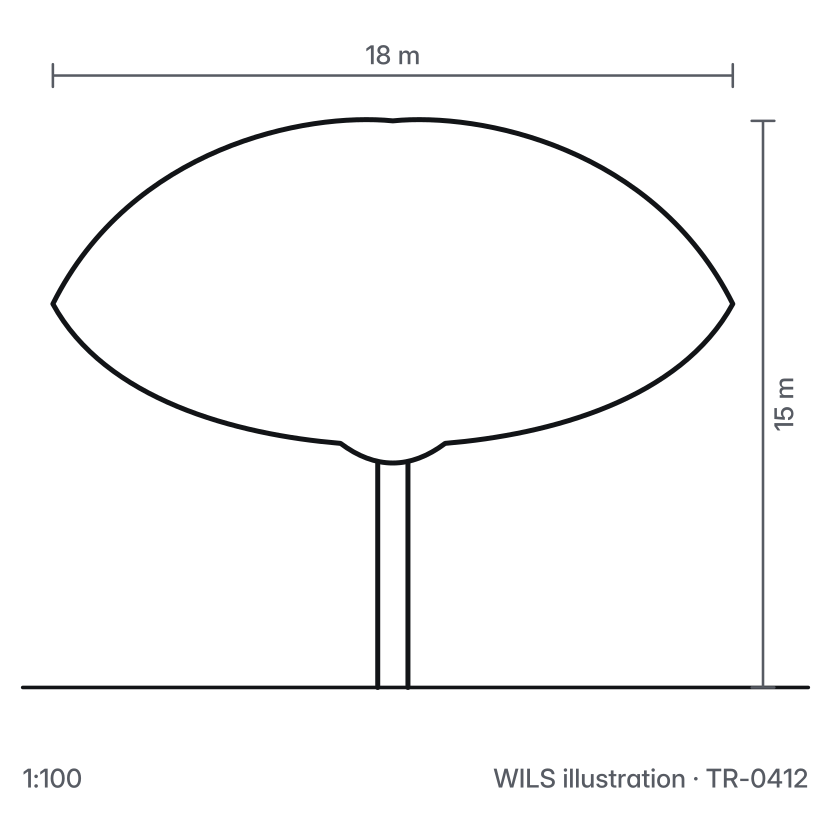
Plant sheet for Albizia lebbeck. A Trees green name block with the plan grid, a dimensions row, score bars, a large drawing with a 1.8 m figure, a strip of view thumbnails, then rows for The plant, Use, Photos, CAD and drawings and Credits.
The same plant sheet on a phone, as one long column, name block first.

Plant sheet on desktop and on a phone. Scroll inside each frame to see the whole page.
8.3 · Browse

Pictures first, filters at the side.

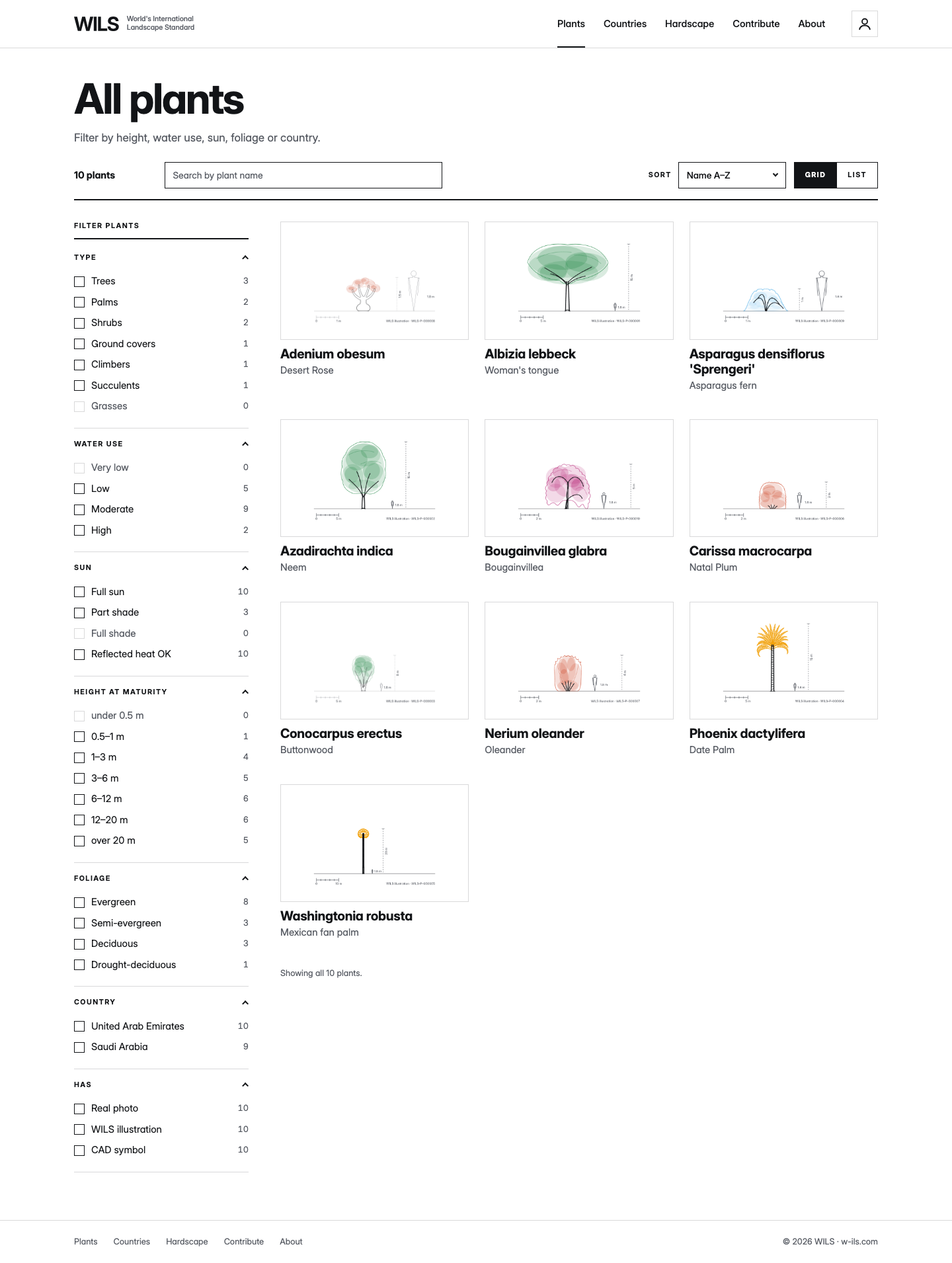
Browse shows every plant as a card: the picture on a white plate, the binomial in Bold with the group dot, the common name below. Filters sit in a column at the start. A grid or list switch and a sort sit above the results.

Cards carry no colour fill. On hover a card shows a 2 px inset ring in its group colour and the picture grows a little. The cards arrive in order when the page opens (chapter 10.0).

The type pages (Trees, Palms, Shrubs, Ground covers, Climbers) open with the group colour field, the group’s plan and the count of plants, then the same cards.

The All plants page. A column of filters at the left for type, water use, sun and height. To the right a grid of plant cards, each a picture with the binomial and common name.

All plants, grid view with filters.
8.4 · Countries

A globe or a list.

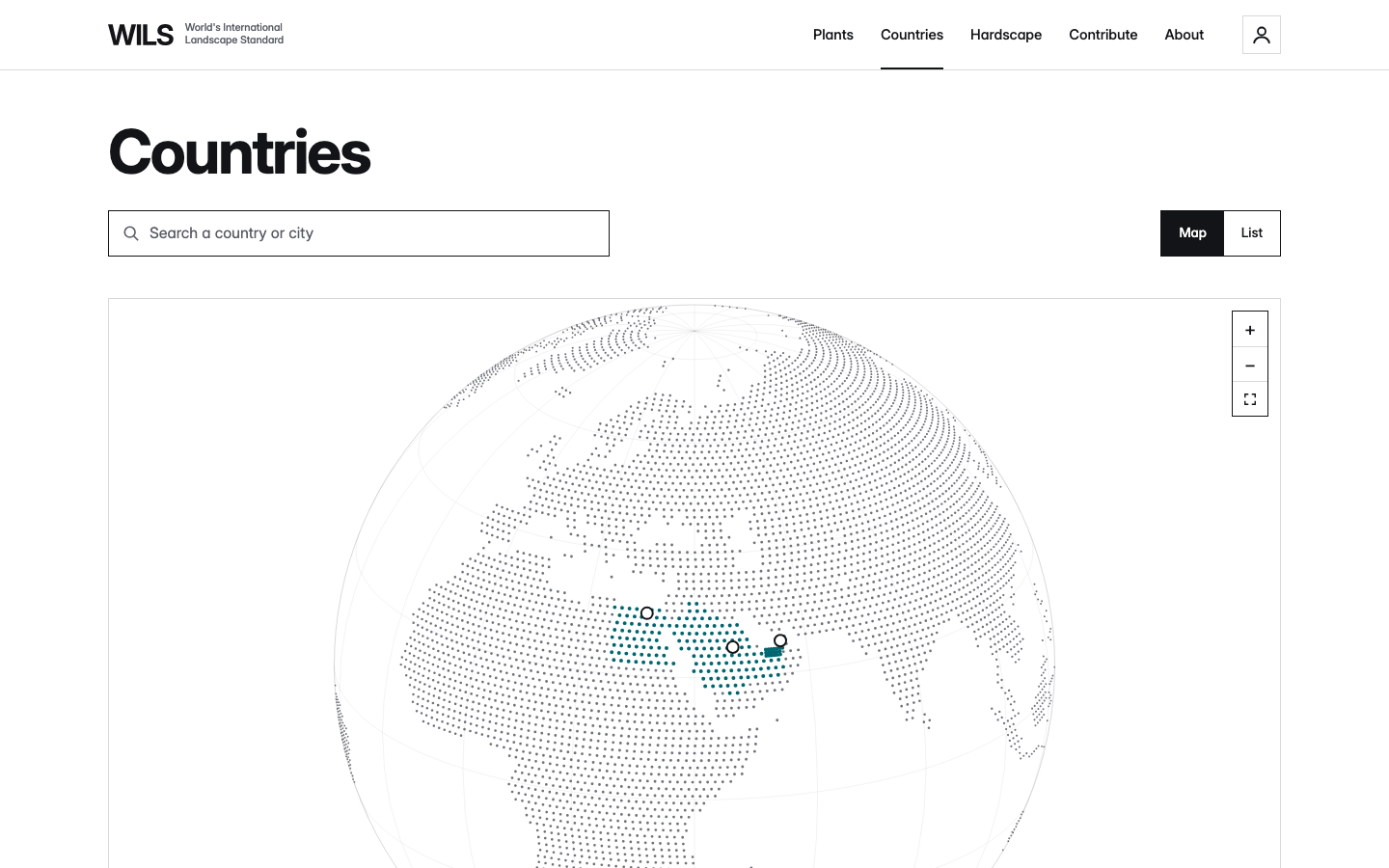
Countries open as a globe, or as a list. A switch at the top changes the view. One search box finds a country or a city.

Countries with data are filled Delta Teal with a Paper edge. Every other country is light grey. Cities are Paper dots with an Ink ring. The globe turns slowly until the visitor touches it, and stays still after that.

The Countries page with a search box, a globe and list switch, and a globe where Egypt, Saudi Arabia and the United Arab Emirates are Delta Teal with city dots.

Countries, globe view.

8.5 · Hardscape

Four fields.

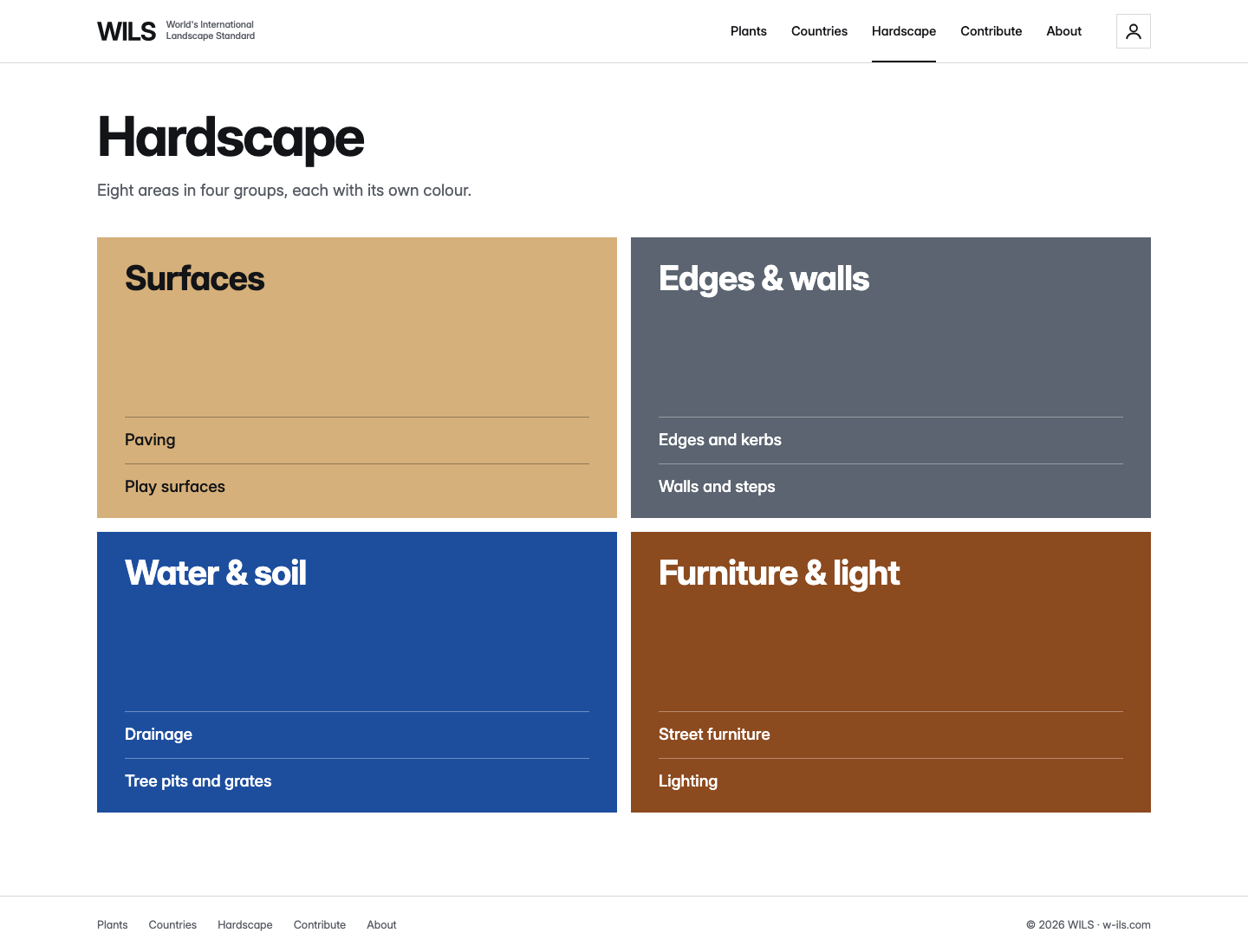
The Hardscape page is the four hardscape fields (7.11) under one heading and one line. Each field lists its two areas. The fields wipe in from the start edge, one after another.

There are no cards, pictures or counts on this page.

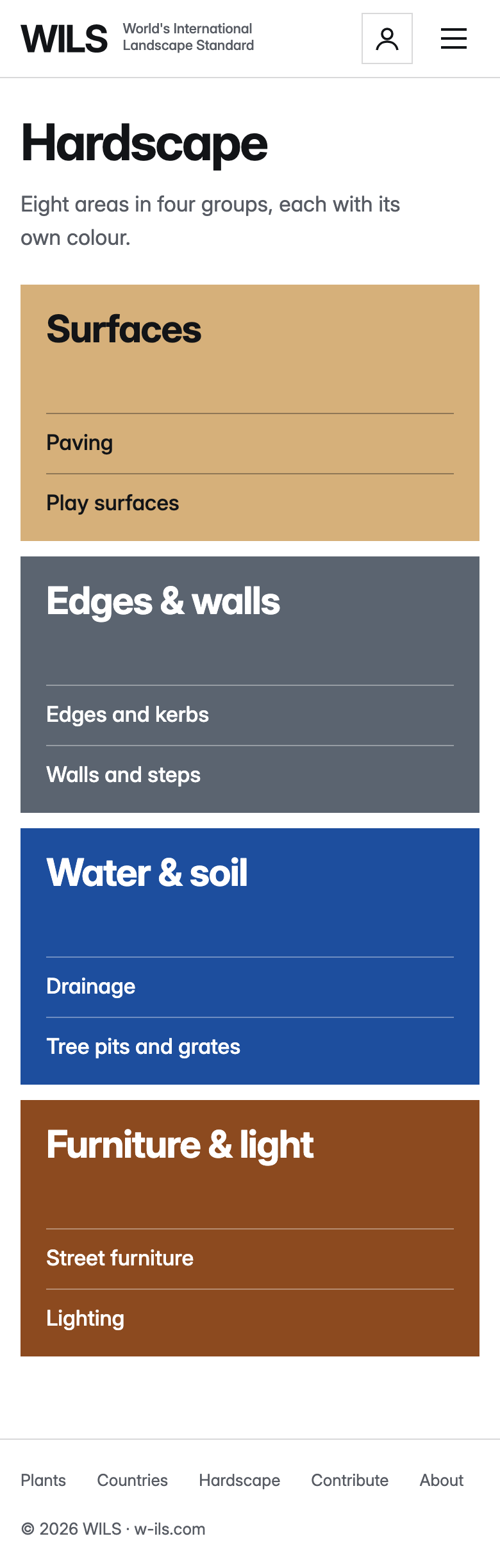
The Hardscape page: the heading Hardscape, one line, then four colour fields, Sandstone, Granite, Cobalt and Corten, each with its name and two areas.
The Hardscape page on a phone, the four fields in one column.

Hardscape on desktop and on a phone.
8.6 · Contribute

Four steps, four line drawings.

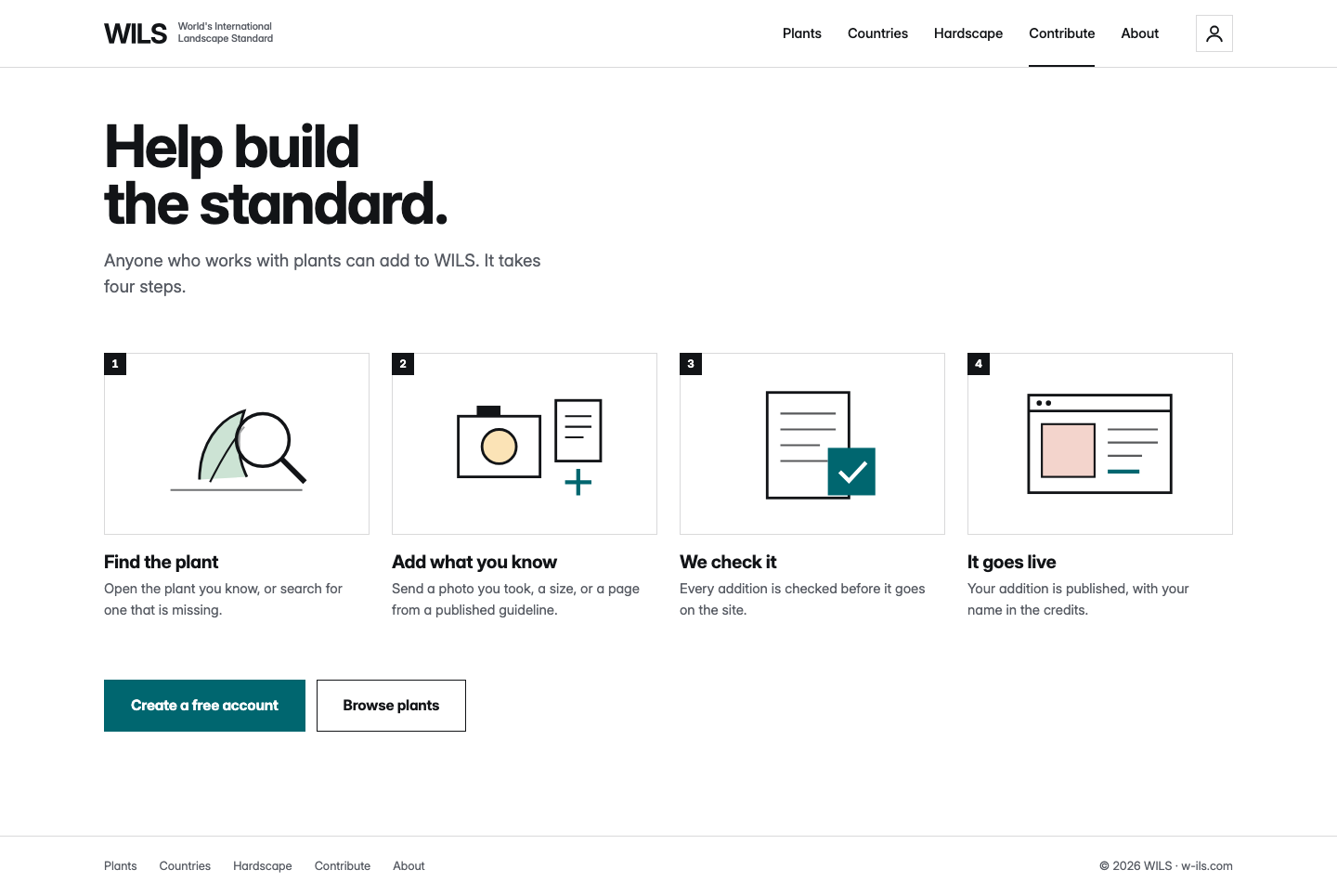
The Contribute page explains how to add to WILS in four short steps. Each step has one line illustration on a plate, a 24 px Ink number square at the plate’s corner, a title and one sentence.

The page ends with two buttons: a filled one for the main action and an outlined one for the second.

The Contribute page. Heading Help build the standard, then four steps: Find the plant, Add what you know, We check it, It goes live. Two buttons below: Create a free account and Browse plants.

Contribute. Illustrations use Ink lines with one flat Delta Teal or group tint accent.
8.7 · Small pages

About, Account and Not found.

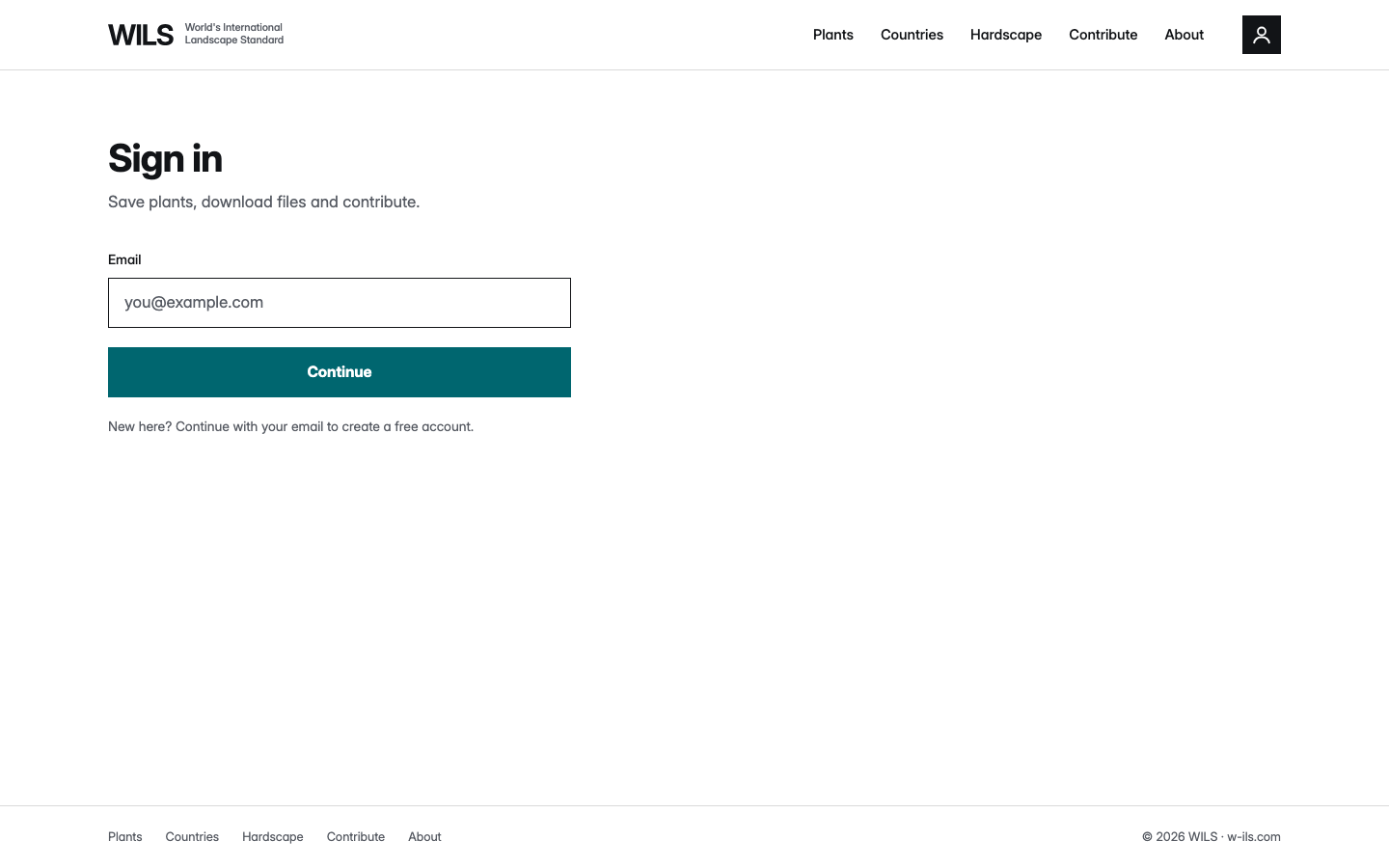
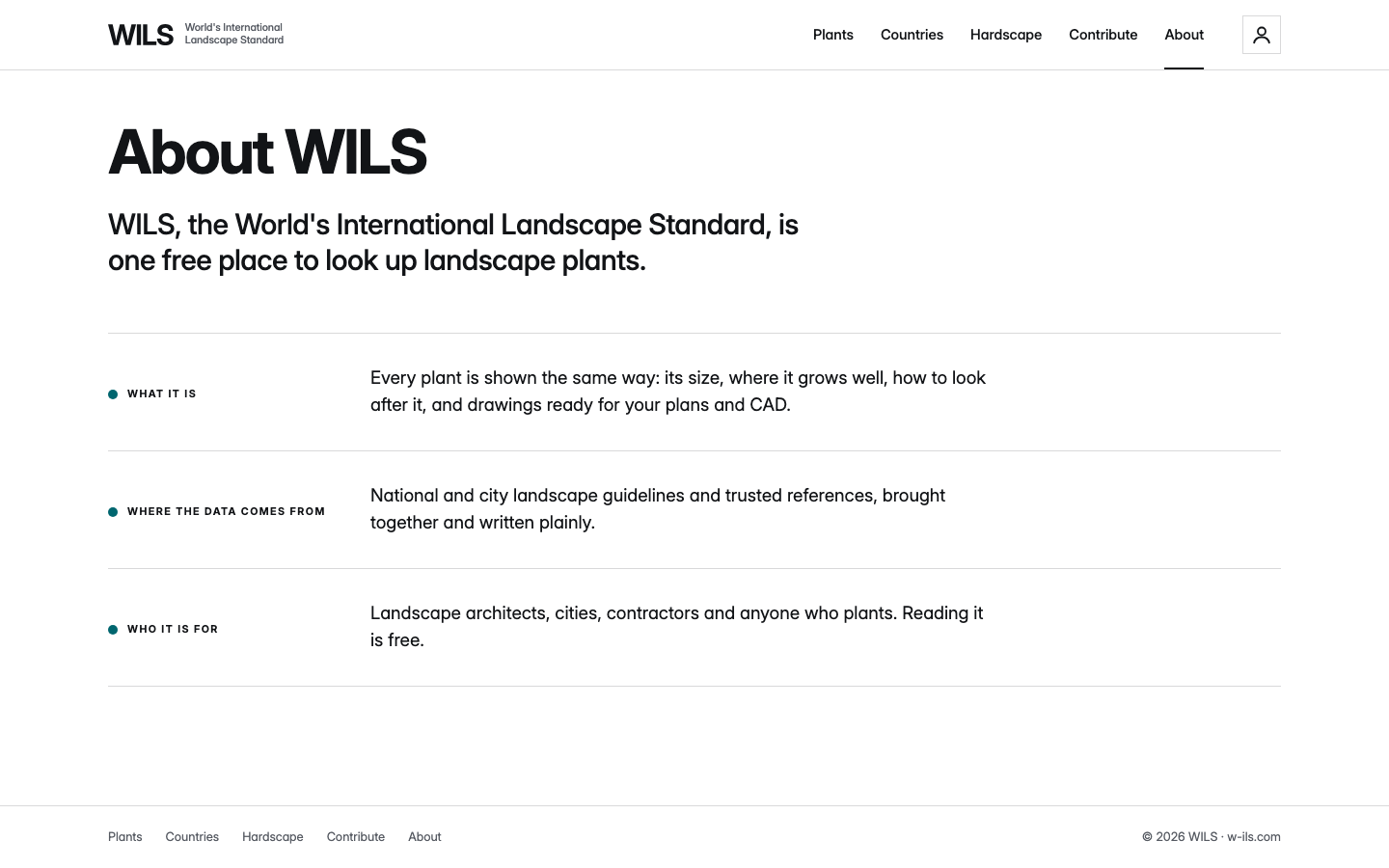
The small pages use the long-form layout: a heading on the H1 step, one lede, then rows with a side label. About has three rows. Account is one 480 px column with one field and one Delta Teal button. The Not found page shows one small plan, the line “Page not found” and two links.

Rule

No page is a dead end. Every small page links to All plants and Home.

The About page: the heading About WILS, a lede, and three rows: What it is, Where the data comes from, Who it is for.
About
The Account page: Sign in, one email field and a Delta Teal Continue button.
Account
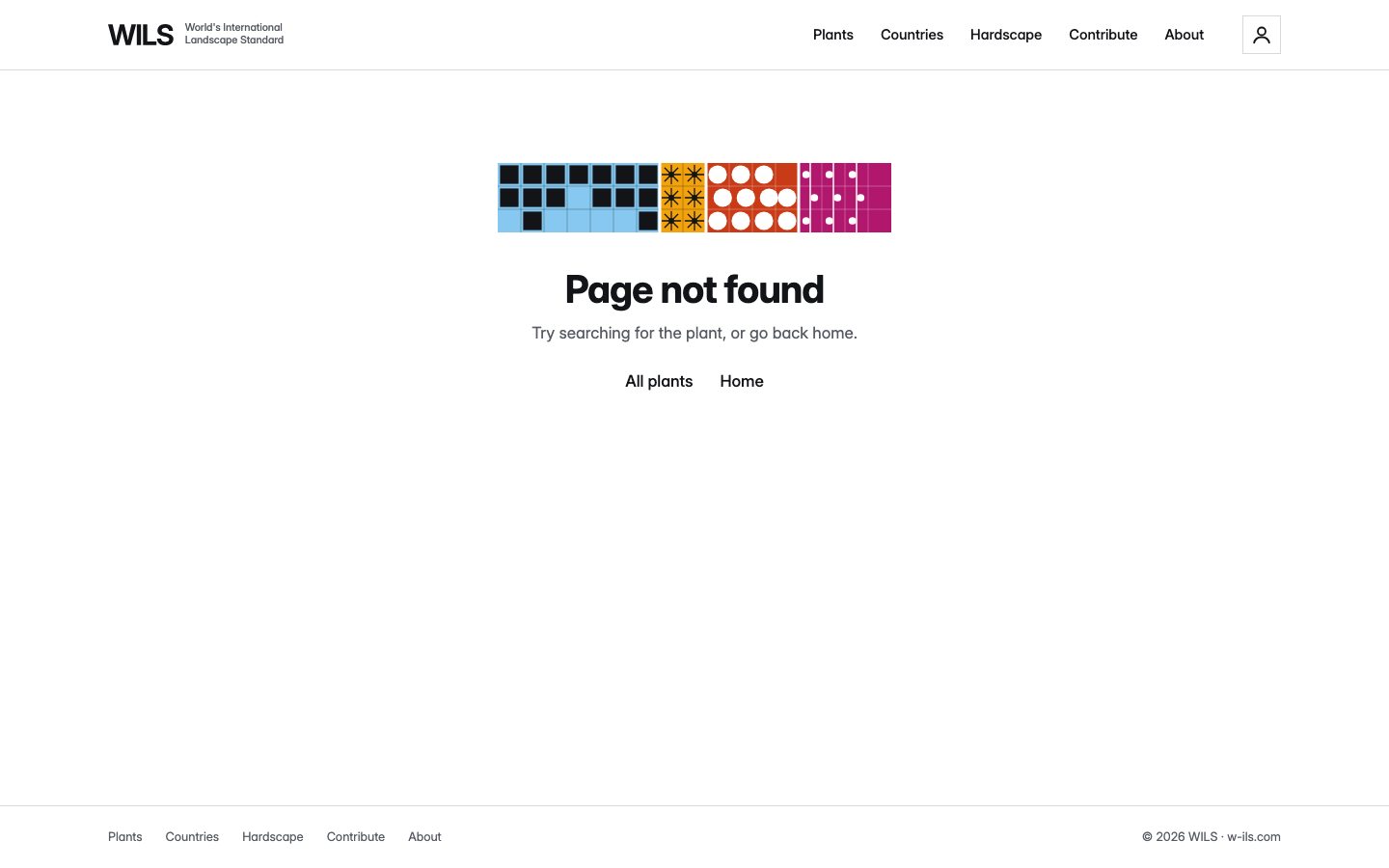
The Not found page: a small planting plan, the line Page not found, and links to All plants and Home.
Not found

The three small pages at 1440 px.

8.8 · Share card

1200 × 630 px.

The share card is the picture shown when a link is posted. It uses the Delta Teal field with the line from the home page, and one drawing on white.

The specimen here is drawn in HTML so it always shows the current wording.

Rule

Wordmark top left, the full name under the line. No photographs.

Share card layout at 1200 × 630.

8.9 · Documents and print

Ink on Paper.

Reports, letters and data sheets are Ink on Paper. Put the lock-up at the top left. Set text in WILS Sans.

One group colour, plant or hardscape, may fill one band or one block on a page. Use it for a title block or a chapter break, not for body text.

Rule

One group colour field per page. Never text in a group colour.

Left: plain page. Right: one Trees colour band. A4 pages shown to scale.